
01 / 05
THE TERAS LEGACY PLATFORM
Protection.
Opportunity.
People who move forward.
Our public story is bigger than a product catalogue. Teras Legacy brings customer protection, advisor development, agency leadership and long-term relationships into one working environment.
Discover Teras Legacy →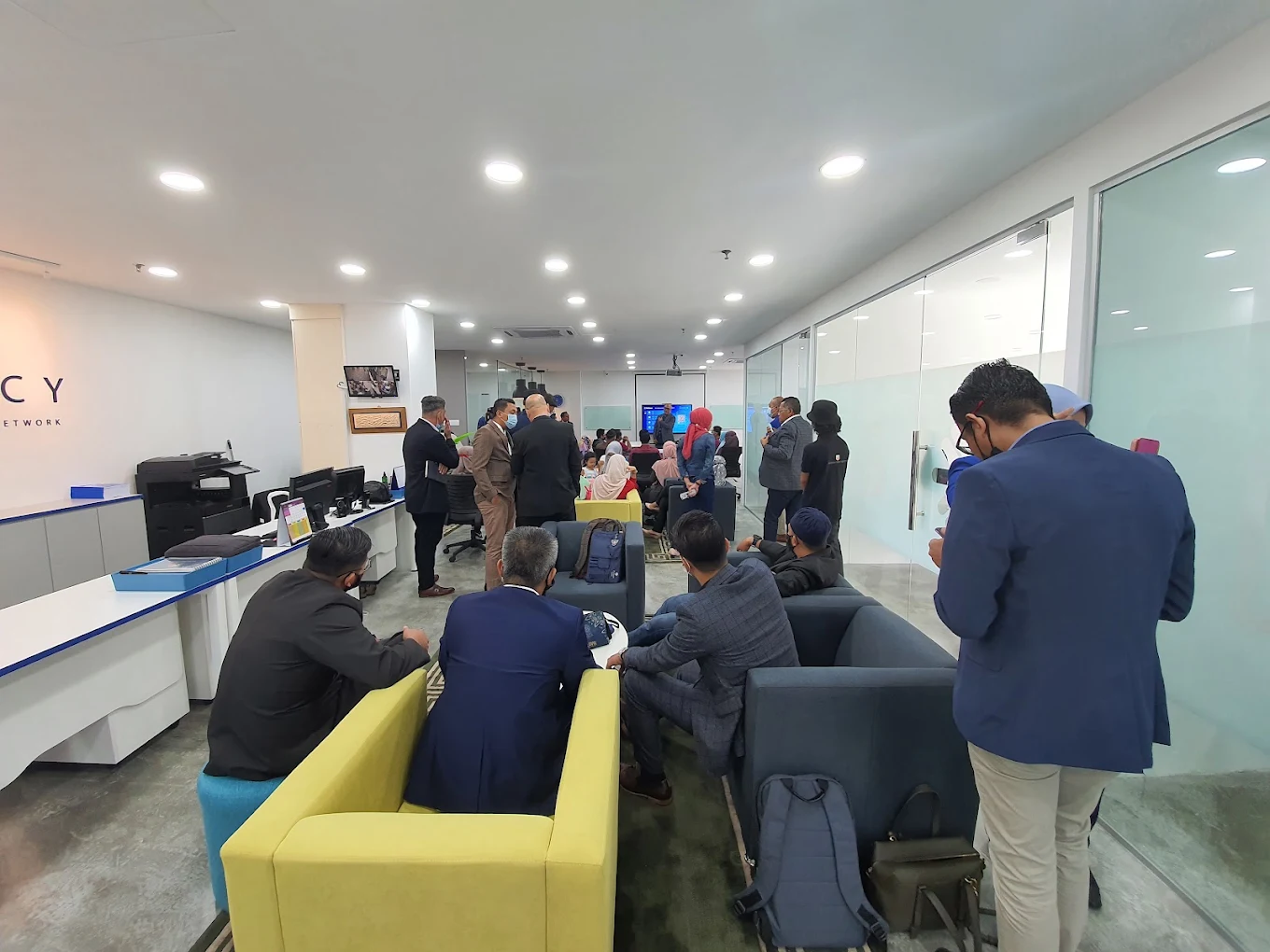
01A real place.
A REAL AGENCY ENVIRONMENT
A real place.
A real team.
Headquartered at Setia Tropika in Johor Bahru, Teras Legacy operates through a real agency environment shaped by customer conversations, training, collaboration and leadership development.
PROOF, NOT PROMISES
Build credibility from what has actually happened.
Instead of invented customer counts or generic “No.1 agency” claims, the site uses documented Teras Legacy milestones, partnerships and recognition.
Sinar Senyuman Al-Shams with OKU Sentral
Zurich Malaysia, through Teras Legacy, formalised an initiative combining takaful accessibility with entrepreneurship and career development for persons with disabilities.
Zurich Malaysia announcement →Repeated Zurich network recognition
Teras Legacy appeared repeatedly across ZFN Stars and Best Zurich Franchise Network recognition cycles.
Built from Johor Bahru
A working head office, agency leadership, advisor development activity and customer follow-up ecosystem sit behind the brand.
02Leadership
FOUNDING LEADERSHIP
Leadership
you can see.
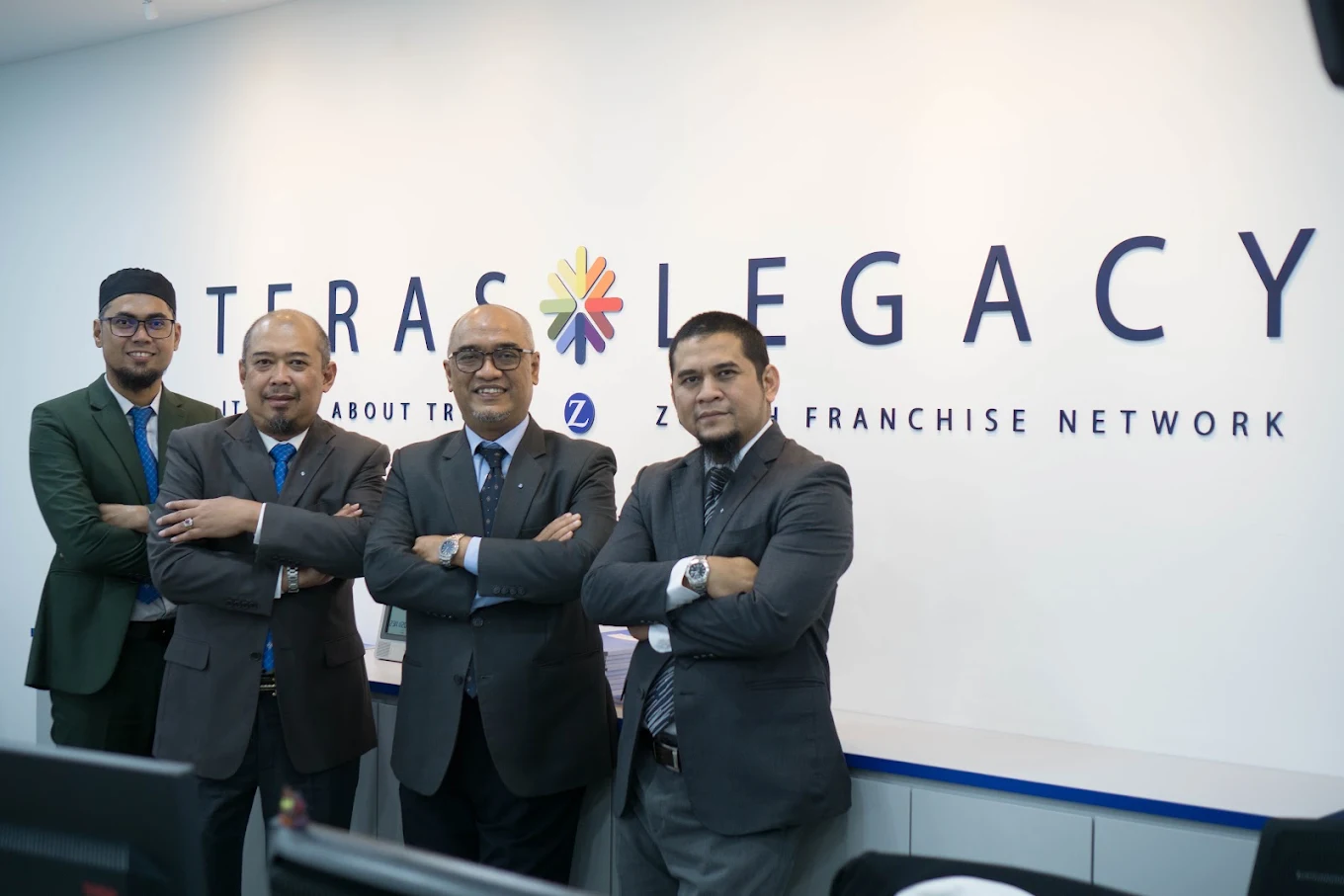
Official Zurich material identifies Mohd Redzuan bin Mohd Jaafar as Founder of Teras Legacy. Historical Teras Legacy records also show Mohd Kamarul Ali, Hisham Taib and Jefri Othman as part of the early founding leadership group.
Read the company story →RECOGNITION
Recognition is earned.
Then it becomes part of the story.
2022
Takaful Star Awards
Rank 3 — Top Agent (Agency Leader Corporation), highlighted by Zurich Malaysia.
2022/23
ZFN Stars Award
Teras Legacy — 2nd Runner-Up.
2023
Best Zurich Franchise Network
Teras Legacy — 1st Runner-Up.
2024
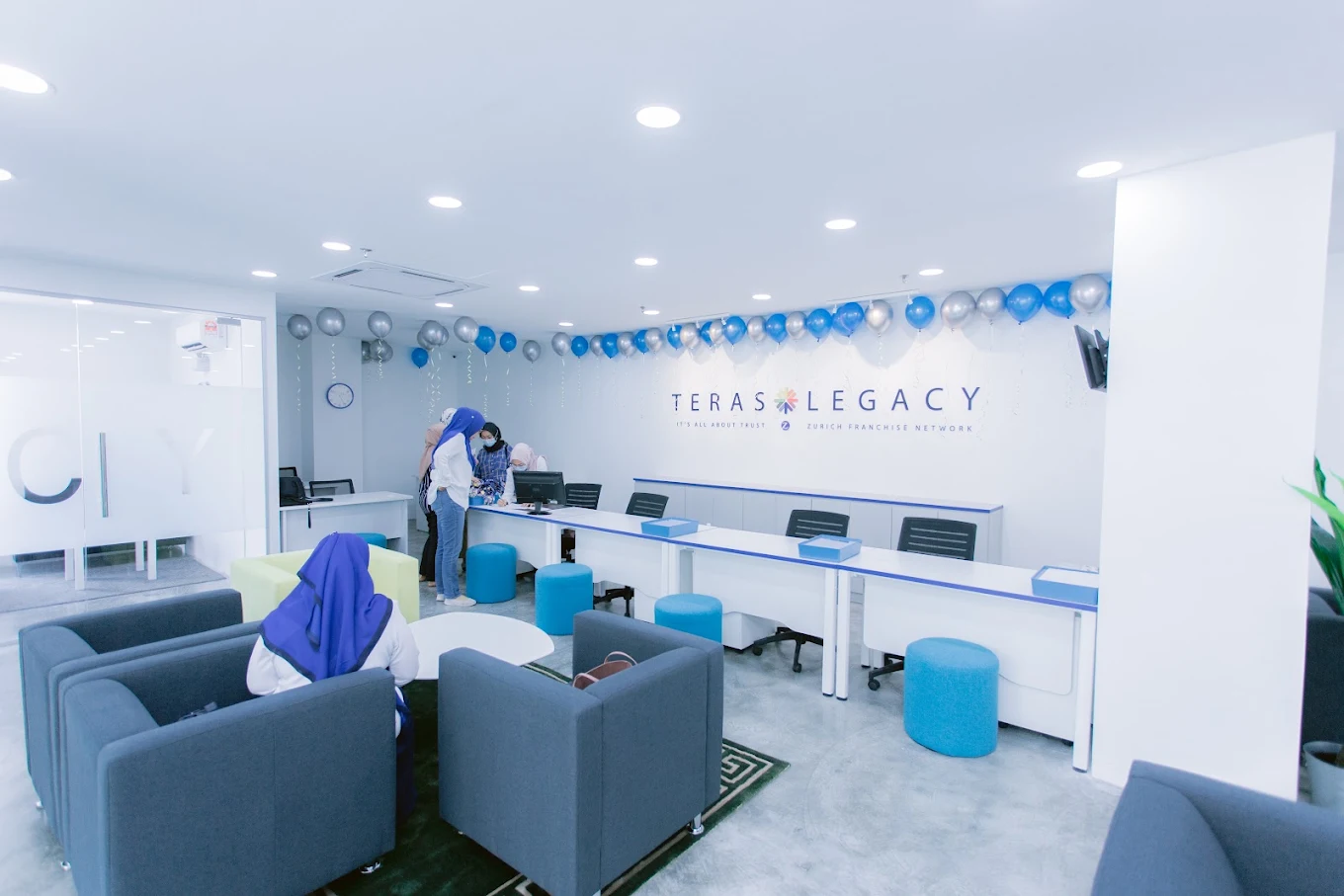
Best Zurich Franchise Network
Teras Legacy — 2nd Runner-Up, alongside recognised Teras Legacy leaders within Zurich award categories.
03
AGENCY CULTURE
It’s all about trust.
Teras Legacy's own historical material repeatedly returns to trust, achievement, development and team identity.
GEGARSTARZRecurring recognition for Teras Legacy achievers.
Summit ClubQualifiers travelled to Istanbul in April 2024.
DevelopmentAdvisor and leadership growth sits inside the agency model.
TAKAFUL SOLUTIONS
Four directions.
One trusted starting point.
Start with the outcome you are trying to protect or build. Teras Legacy can then explain current Zurich Takaful options and the official next step.
Protection
Family, medical and other protection needs built around the risks that matter to you.
Explore Protection →Investment
Shariah-compliant investment-linked directions for medium- and long-term financial goals.
Explore Investment →Savings
Structured savings directions for future milestones while maintaining takaful protection.
Explore Savings →Business
Protection conversations for SME assets, liabilities, continuity and operational risks.
Explore Business →Not sure where to start?You do not need to know the product name.
Get a QuoteTWO SYSTEMS. ONE TERAS LEGACY.
How we serve clients.
How we develop advisors.
FOR CLIENTSFAB Planning
A needs-first planning framework across Family Income, Retirement, Education, Estate, Disability, Overseas Vacation and Medical.
Explore FAB → FOR ADVISORSSFPNSouthern Financial Protection Network: one connected system from distribution and development through to agency building.
Explore SFPN →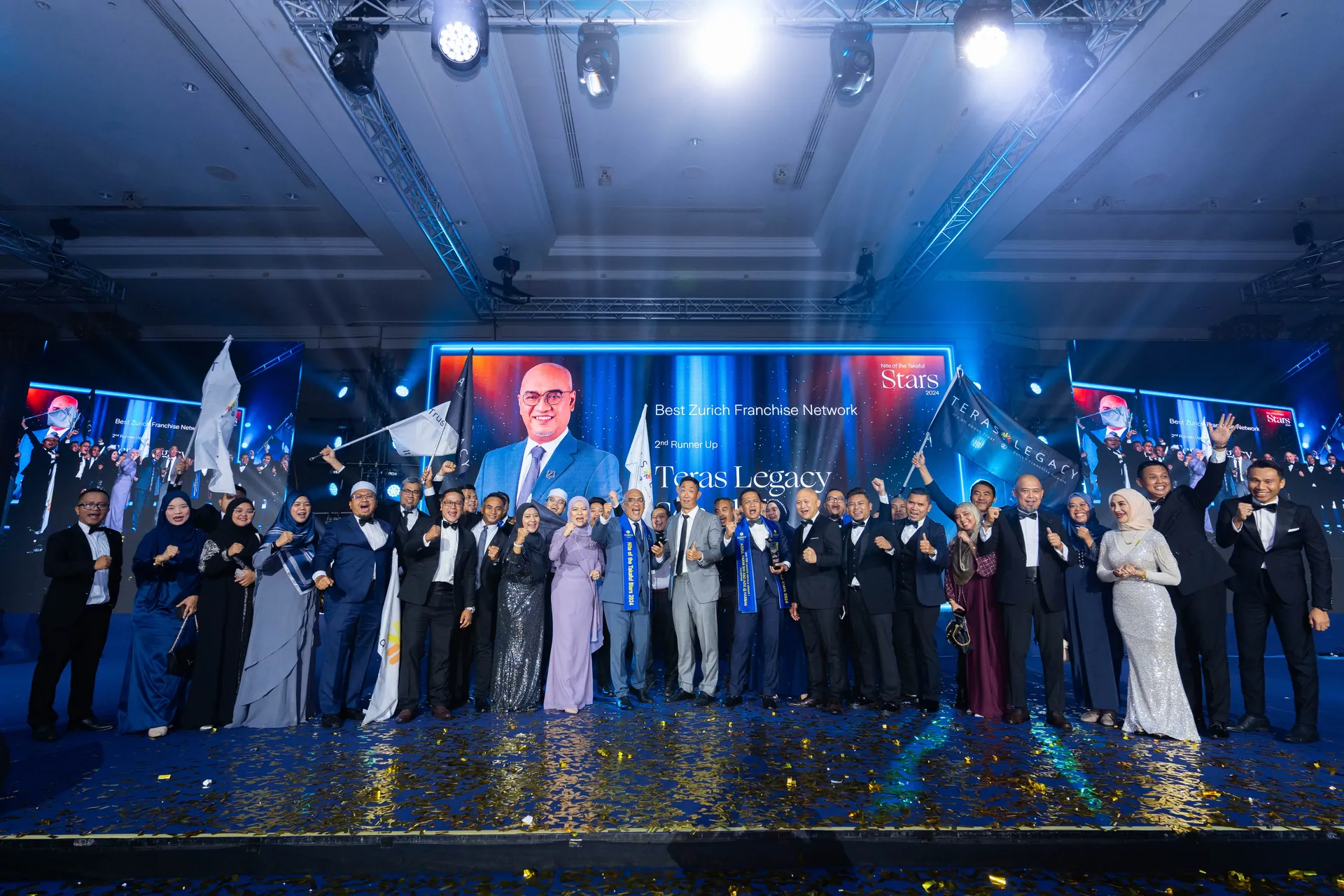
04Build with a real agency.
BUILD WHAT COMES NEXT
Build with a real agency.
Not just a job title.
The recruitment story can stand on a real team, real development pathways and recognised leadership — without exaggerated income claims.
TAKAFUL JOHOR BAHRU
Local guidance. Real conversations in JB.
If your search started with “takaful JB”, “takaful Johor Bahru”, “insurance JB” or “insurance Johor Bahru”, the useful next step is understanding what type of protection or financial goal you actually need to address.
Teras Legacy is based in Setia Tropika, Johor Bahru and can route your enquiry to an appropriate advisor for a takaful conversation using current official Zurich information.
Takaful guidance in Johor Bahru →FREQUENTLY ASKED
Start with the right question.
What is Teras Legacy?
Teras Legacy Sdn Bhd is a Johor Bahru-based Agency Leader Corporation within the Zurich Franchise Network, involved in takaful protection guidance, advisor development and agency opportunity.
Can I speak with Teras Legacy about takaful protection?
Yes. Submit an advisor enquiry and the Teras Legacy team can route your request to the appropriate advisor for a protection conversation.
Can I join Teras Legacy as an advisor?
Explore the Join Us and Business Opportunity Programme pages to understand the role, agency environment and next steps before deciding whether to proceed.
Where is Teras Legacy headquartered?
The head office is at #03-06 Tropika Welcome Centre, 3rd Floor, 10 Jalan Setia Tropika 1/21, 81200 Johor Bahru, Johor.
HEAD OFFICE
Johor Bahru.
#03-06, Tropika Welcome Centre, 3rd Floor
10 Jalan Setia Tropika 1/21
81200 Johor Bahru, Johor
Tel: +607-231 4646 · Mobile: +6011-5556 9927
Email: admin@teraslegacy.com
START A CONVERSATION